Transforming Ordinary Homes into Smart Homes: A Complete Guide
7 February 2026
Technology has changed how we live, and nowhere is that more evident than in our homes. What was once the stuff of sci-fi movies—controlling lights with your voice, adjusting the thermostat from miles away, or even having a refrigerator that reminds you to buy milk—is now a reality.
If you're wondering how to turn your house into a smart home, you’re in the right place. In this guide, we’ll walk you through the process step by step, making sure you’re on the fast track to a more convenient, secure, and energy-efficient lifestyle.
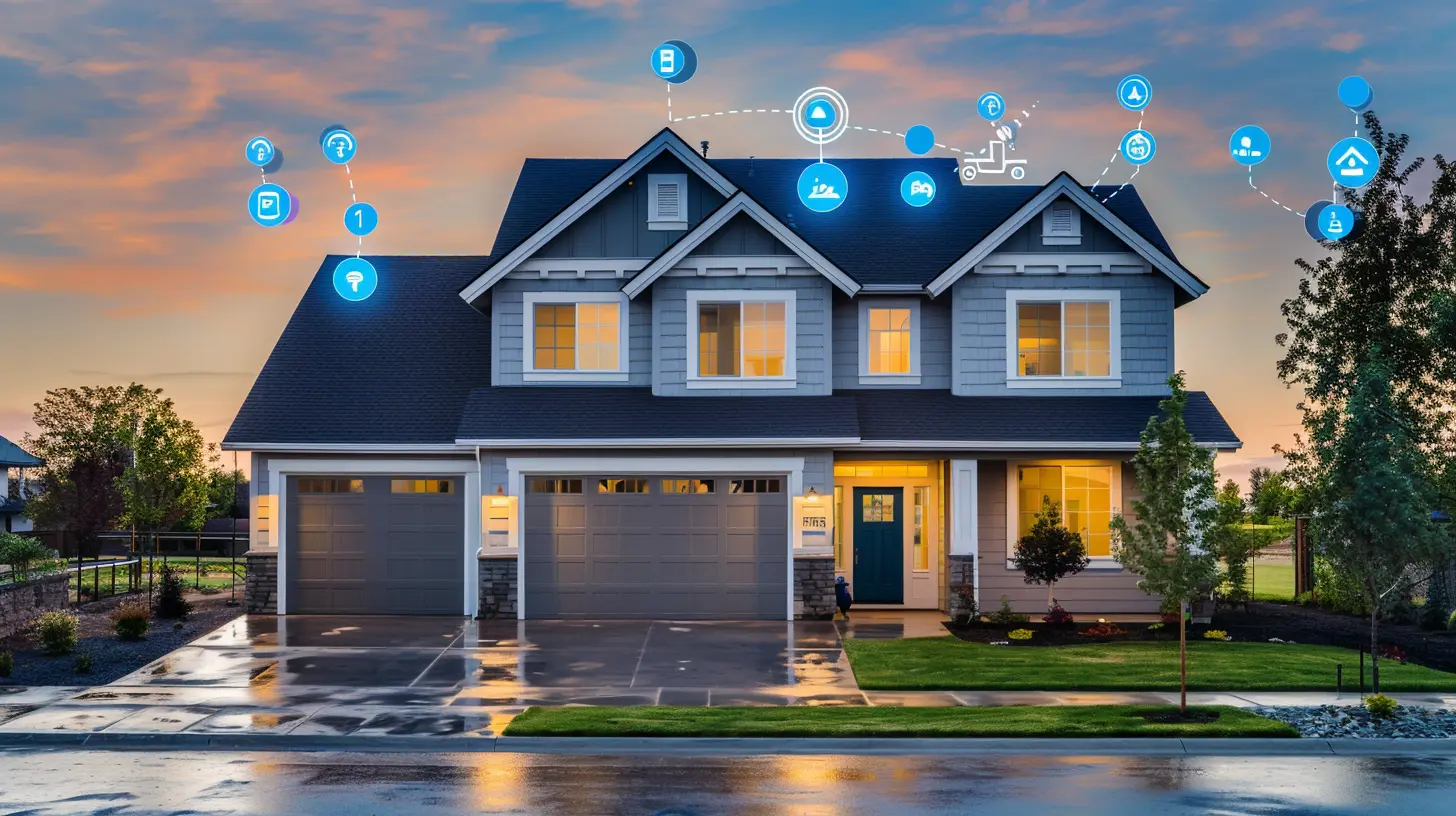
Why Turn Your Home into a Smart Home?
Before we dive into the nitty-gritty, let’s talk about why you should even bother upgrading your home.Convenience at Your Fingertips
Imagine waking up in the morning and saying, “Good morning,” to your smart assistant, and suddenly your blinds open, your coffee starts brewing, and your favorite news podcast plays in the background. That’s the beauty of a smart home—it simplifies your daily routine.Enhanced Security
With smart cameras, motion sensors, and doorbell cameras, you can monitor every corner of your home whether you’re there or not. Forgot to lock the door? No problem. A smart lock lets you secure your home right from your phone.Energy Efficiency & Cost Savings
A smart thermostat alone can save you a significant amount on energy bills by learning your schedule and adjusting accordingly. Smart lighting ensures you never leave the lights on unnecessarily, and smart plugs help reduce electricity waste.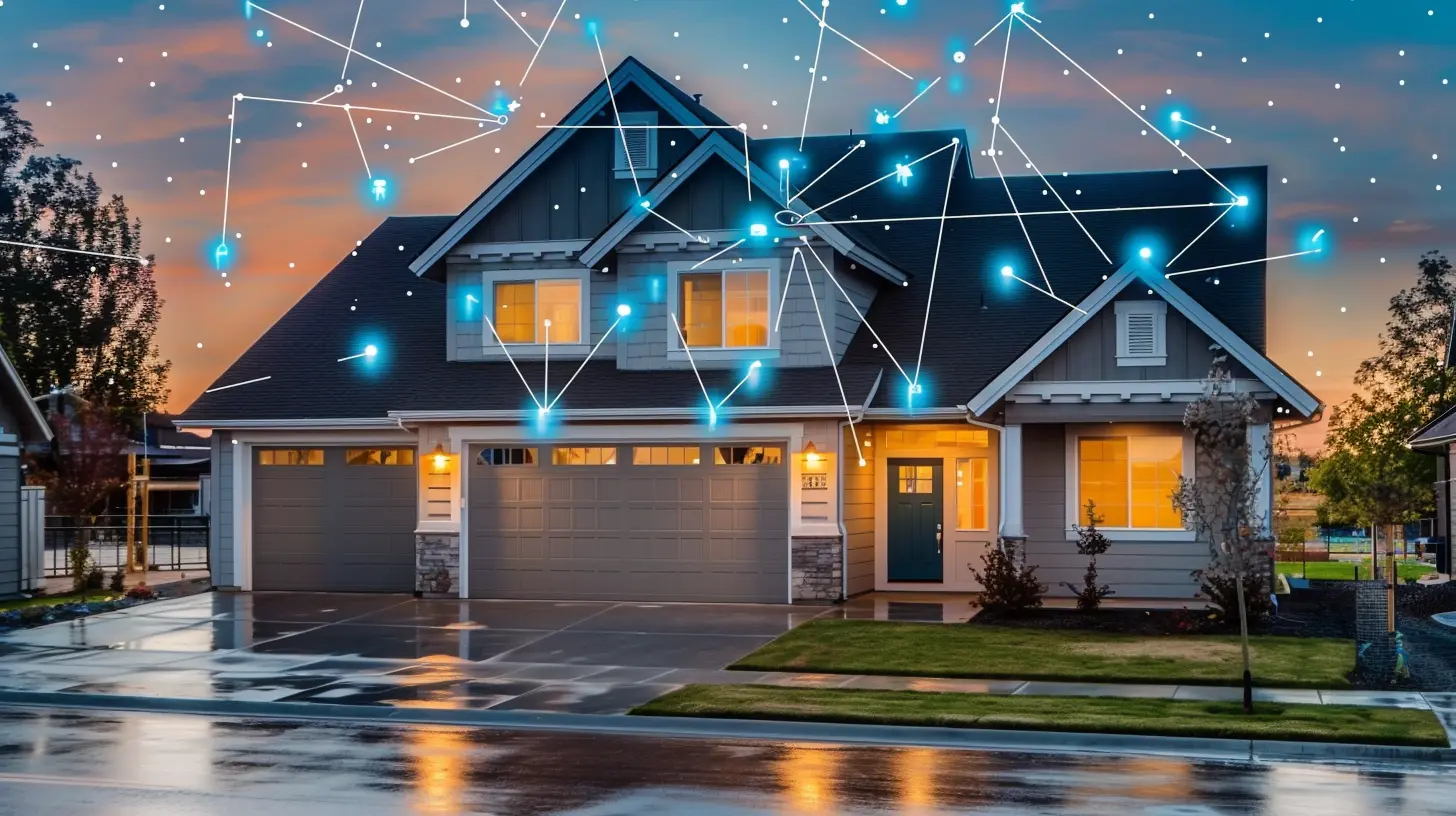
How to Transform Your Home into a Smart Home
Ready to make the switch? Here’s a step-by-step breakdown to help you transition smoothly.1. Start with a Smart Hub (Optional but Recommended)
A smart hub, like Amazon Echo, Google Nest Hub, or Apple HomePod, acts as the brain of your smart home. It allows your devices to communicate with each other in a seamless manner. While not mandatory, it makes managing multiple devices much easier.2. Upgrade to Smart Lighting
Smart lighting is one of the easiest and most affordable upgrades. Brands like Philips Hue and LIFX allow you to control the brightness and color of your lights remotely. With motion sensors, your lights can turn on as soon as you enter a room.Pro Tip: Set up schedules or automation to mimic your presence when you’re away, adding an extra layer of security.
3. Install a Smart Thermostat
A smart thermostat, like Nest or Ecobee, can learn your habits and make automatic adjustments to keep your home comfortable while saving energy. Some even have room sensors to ensure even heating and cooling.4. Secure Your Home with Smart Locks & Doorbells
Keys are so last decade! With smart locks, you can lock and unlock your doors via an app, voice command, or even fingerprint recognition. Brands like August and Schlage offer great options.Pair that with a video doorbell (like Ring or Arlo), and you can see who’s at your door even when you’re not home.
5. Install Smart Security Cameras & Sensors
A smart home isn’t complete without security. Indoor and outdoor security cameras let you monitor your home in real time. Combine that with motion and entry sensors to keep intruders at bay.Bonus: Many home insurance companies offer discounts for smart security systems!
6. Upgrade Your Entertainment with Smart Devices
A smart TV, smart speakers, and streaming devices like Roku or Fire TV can make entertainment effortless. Voice commands allow you to play music, search movies, or even dim the lights for a perfect home theater experience.7. Control Your Appliances with Smart Plugs
Not ready to replace all your appliances? No worries! Smart plugs turn ordinary appliances into smart ones. Plug in a coffee maker or a lamp, and you can control it remotely.8. Create a Smart Kitchen
Smart refrigerators can keep track of groceries, suggest recipes, and even alert you when food is about to expire. Smart coffee makers and ovens can be preheated remotely, making meal prep a breeze.9. Consider Smart Home Automation & Routines
The real magic of a smart home is automation. Imagine this:- When you say “Goodnight,” your doors lock, lights turn off, and the thermostat adjusts automatically.
- If your security camera detects movement at night, the lights outside turn on instantly.
Using apps like Apple Home, Google Home, or Amazon Alexa, you can set up routines that make your home really smart.
10. Ensure Strong Wi-Fi & Cybersecurity
Since smart homes rely heavily on the internet, a strong Wi-Fi connection is essential. If your Wi-Fi signal is weak, consider mesh Wi-Fi systems like Google Nest Wi-Fi or Eero.Also, don’t forget about security! Set strong passwords, use two-factor authentication, and update firmware regularly to prevent hackers from gaining access.
Common Smart Home Mistakes to Avoid
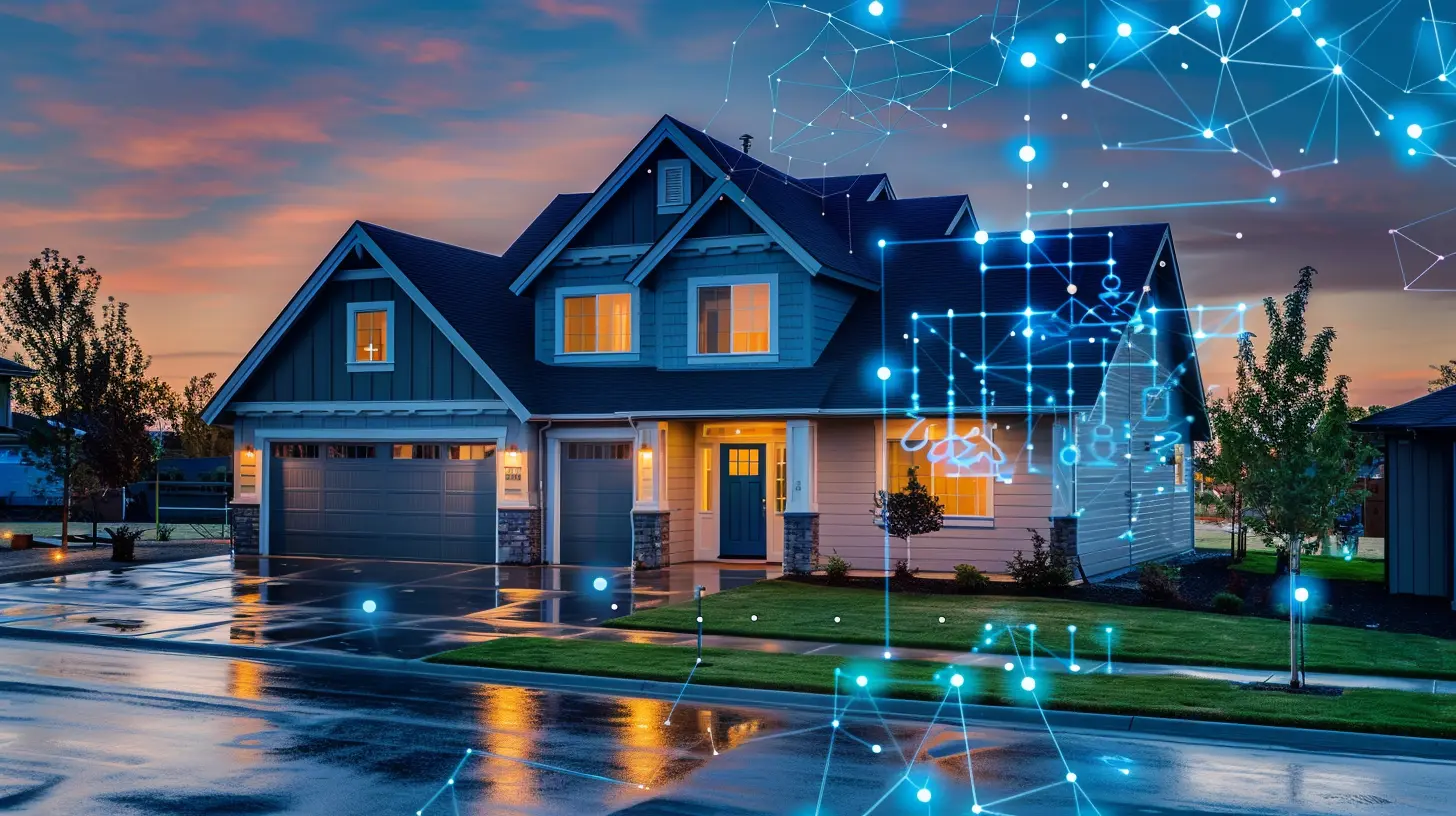
While upgrading to a smart home is exciting, there are some common pitfalls you should watch out for:- Overcomplicating Things: Start small; don’t install too many devices at once. Learn as you go.
- Ignoring Compatibility: Not all smart devices work together. Check compatibility before buying.
- Neglecting Security: Always change default passwords and keep devices updated.
- Poor Internet Connection: Slow or weak Wi-Fi can make smart devices useless. Consider upgrading your router if needed.
How Much Does It Cost to Make Your Home Smart?
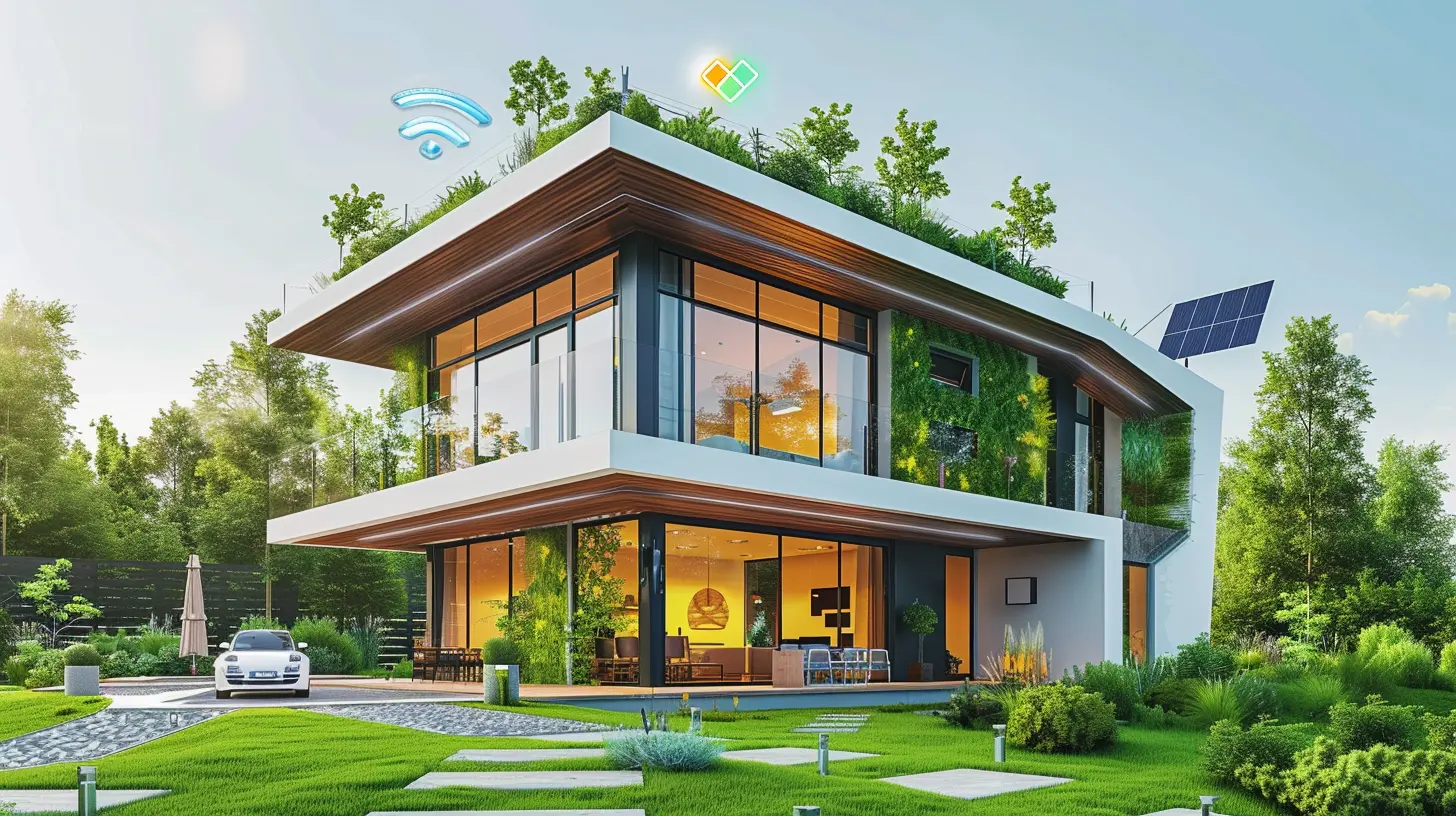
The cost of transforming your home into a smart home depends on how advanced you want to go. Here’s a rough estimate:- Basic Setup (Smart bulbs, smart plugs, voice assistant): $200-$500
- Intermediate Setup (Smart thermostat, doorbell, security cameras): $500-$1,500
- Advanced Setup (Full home automation, smart appliances, whole-home security): $2,000+
The good news? You don’t have to do everything at once. Start with small upgrades and build your smart home over time.
Is a Smart Home Worth It?
Absolutely! A smart home isn’t just about luxury; it’s about simplifying daily tasks, improving security, and cutting costs. Whether you’re a tech enthusiast or simply want to make life easier, investing in smart home technology is a decision you won’t regret.So, are you ready to take the plunge? Start with a voice assistant or a smart bulb and watch how quickly you’ll want more!
all images in this post were generated using AI tools
Category:
Smart HomesAuthor:

Mateo Hines
Discussion
rate this article
2 comments
Lara McPhee
As we embrace smart technology, we must consider not just convenience, but the broader impact on privacy, community, and sustainability. Transformation should enhance our lives without compromising the essence of home.
February 21, 2026 at 4:13 AM
Mateo Hines
Absolutely! Striking a balance between smart technology and our core values is essential for creating truly meaningful and sustainable homes. Thank you for highlighting this important perspective!
Quorra Shaffer
Embrace the future of living! Transforming ordinary homes into smart homes not only enhances comfort and convenience but also elevates your lifestyle. Dive into this guide and unlock the incredible potential of your space. Let innovation turn your house into a smart haven!
February 7, 2026 at 4:45 AM
Mateo Hines
Thank you! I'm excited to help readers discover how smart home technology can truly enhance their living experience.